





























Dallas, TX , United States, 08/31/2021 / Web News /
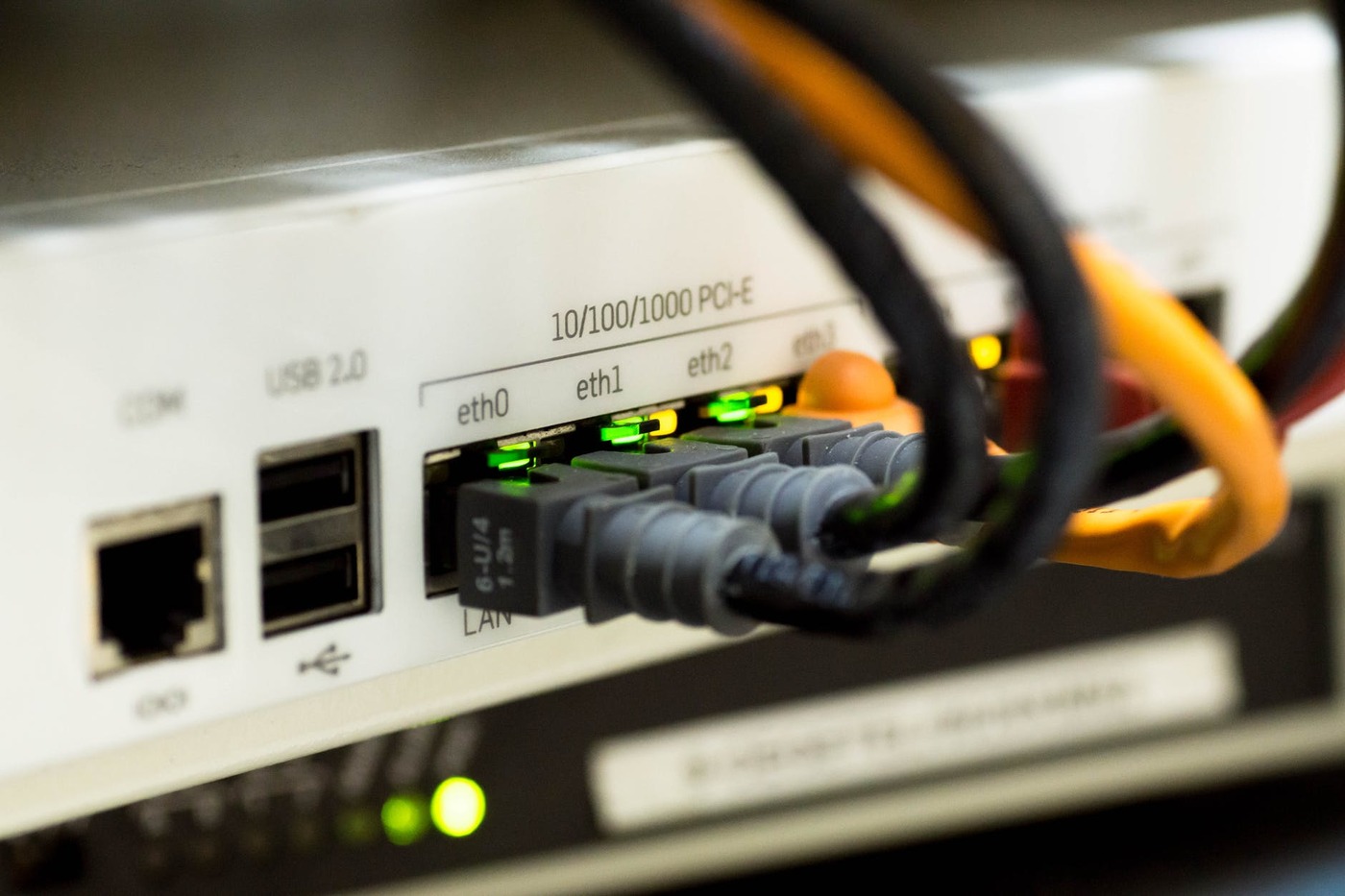
What is your worst nightmare? For some people, it could be anything, but we can all agree that we will go crazy once the internet suddenly turns off. Did someone forget the bill? Did we lose power? Did someone unplug the router? Usually, if you are sure that your internet is working fine and your ISP did not disconnect your service, the first thing that you would do and restart your router–and that should solve it. Right?
Except that sometimes, it doesn’t. What now, you might ask? Is it time to call in a technician already? Don’t go getting the phone just yet, or don’t send an angry social media message to the page of your ISP–as there are several easy ways you can solve the problem, and you can do all of these without the help of anyone else.
So, what are the things you need to do if ever your internet is still down even after you restart your router.
Check your firmware version
Did you know that routers also run on software? It may not be as complex as the Android or iOS system you have on your phone, but it still needs a program to function, and it is called a firmware. Check on your router admin page (you should know how to log in to this, as this varies from device to device).
Check if your device firmware is updated. Usually, there is an option from your admin page to check for firmware updates. Alternatively, you can also manually look up for any manual updates available from your router, which may be found on your ISP page.
Turn MAC filtering off
MAC filtering in a router is used in two possible ways: either only allowing devices with specific MAC addresses to be able to connect to the internet or blocking to connection for specific devices.
In case that, for some reason, you somehow turned on MAC filtering, simply turn any settings for it off. This is, again, found on the admin page of your router. So, you have to have a device connected to your router first–even without internet–to be able to do all of these.
Fix with Windows Network Troubleshooter
Check for network adapter error
In some cases, your network adapter may be fried already–which may be the reason why it is malfunctioning. If you are using Windows, one way is to check if the problem lies with your network card.
Here is how you do it:
-
Right-click on the Start button and click Device Manager.
-
Find and click Network Adapters. In the drop down list you can see, look for the name of your wireless network adapter, right click it, and click on Disable.
-
Now, allow two to five minutes and then you can enable it again. To do this, click Scan for hardware changes on the top part of the Device Manager window. Alternatively, you can right click the Network Adapters list, go to that device, and select Enable device.
Flush DNS
You need to open the Windows Command Prompt and choose the “Run as Administrator” option to use this method. Once the window for it is open, simply type ipconfig /flushdns then press Enter. Restart your computer to see if the problem is fixed.
Conclusion
Is your internet not working even after you have restarted your router? Don’t worry, as there are quick fixes you can try. However, these are only troubleshooting methods. If you have done this and it still doesn’t work, then that is the time to call in for professional help.
Source: kisspr
Content Disclaimer:
DISCLAIMER of Liability. IN NO EVENT SHALL OUR PR COMPANY BE LIABLE OR RESPONSIBLE TO YOU OR ANY OTHER PERSON FOR ANY DIRECT, INDIRECT, INCIDENTAL, CONSEQUENTIAL, SPECIAL, OR EXEMPLARY DAMAGES OF ANY KIND, INCLUDING WITHOUT LIMITATION, LOST PROFITS OR LOST OPPORTUNITIES, EVEN IF ADVISED OF THE POSSIBILITY OF SUCH DAMAGES IN ADVANCE AND REGARDLESS OF THE CAUSE OF ACTION UPON WHICH ANY SUCH CLAIM IS BASED, INCLUDING, WITHOUT LIMITATION, ANY CLAIM ARISING OUT OF OR IN CONNECTION WITH ANY OF THE CONTENT, INCLUDING, WITHOUT LIMITATION, AUDIO, PHOTOGRAPHS, AND VIDEOS, OR OF THE ACCURACY, RELIABILITY, OR LEGALITY OF ANY STATEMENT MADE IN OR OMITTED FROM ANY advertisement, sponsorship, endorsement, testimonial, opinion, or other product-related or service-related statement or review appearing in the Websites or in ANY post or article distributed via the Websites.